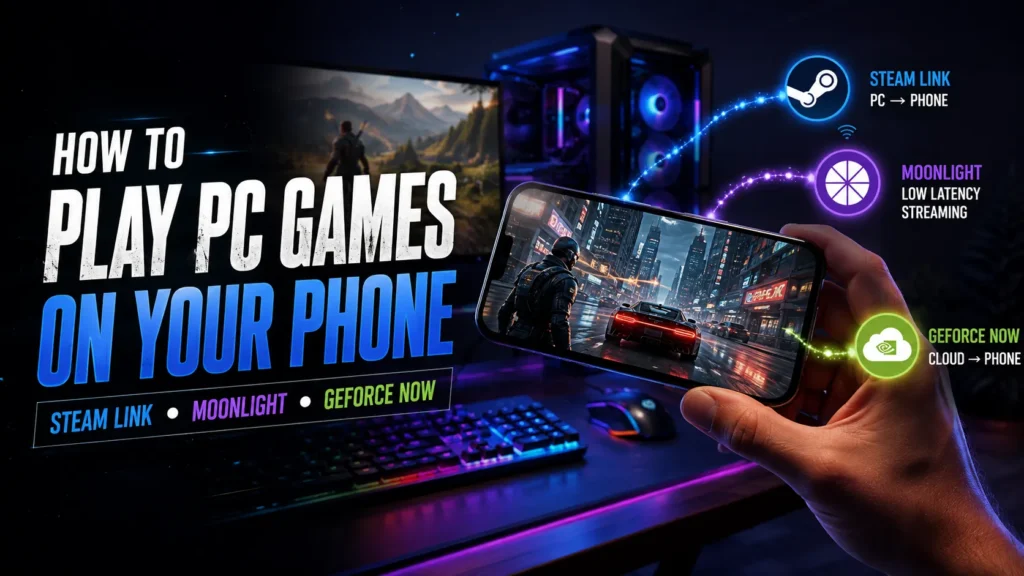
Want to play your PC games on a phone? Three popular options dominate the space: Steam Link, Moonlight, and NVIDIA GeForce NOW. Each works differently, and picking the right one depends on your setup, internet speed, and location.
At a Glance: Quick Comparison
| Feature | Steam Link | Moonlight | GeForce NOW |
|---|---|---|---|
| Cost | Free | Free | Free / Paid tiers |
| Needs Gaming PC? | Yes | Yes | No |
| Works Outside Home | Yes (with setup) | Yes (with setup) | Yes (cloud-based) |
| Best For | Steam library | NVIDIA GPU owners | No-PC gamers |
| Internet Need | Local WiFi / Good upload | Local WiFi / Good upload | 15-40 Mbps stable |
| Availability | Global | Global | Limited regions |
Steam Link: Best for Steam Users
Steam Link streams games from your PC to your phone over local WiFi or the internet. If your game is in your Steam library, this is the simplest free option.
How it works: Install the Steam Link app on your phone, pair it with your PC on the same network, and stream.
Pros:
- Completely free
- Works with controllers, touch controls, and keyboards
- Supports non-Steam games (add them to Steam)
Cons:
- Requires your PC to stay on
- Outside-home streaming needs port forwarding or Steam Relay
- Quality drops if your home upload speed is weak
Requirements: Gaming PC, 5 GHz WiFi (recommended), Android/iOS app.
Looking for more low-end PC options? Here’s our list of the best racing games that run without a graphics card.
Moonlight: Best for NVIDIA GPU Owners
Moonlight is an open-source client for NVIDIA GameStream. It delivers lower latency and better image quality than most alternatives.
How it works: It streams directly from your PC’s NVIDIA GPU to your phone using the NVENC encoder.
Pros:
- Excellent 1080p/4K streaming quality
- Ultra-low latency
- Free and ad-free
- Supports HDR and 120 FPS
Cons:
- Needs an NVIDIA GTX/RTX GPU (AMD not supported)
- Slightly complex initial setup
- PC must remain powered on
Requirements: NVIDIA GTX 600 series or newer, 5 GHz router, Moonlight app.
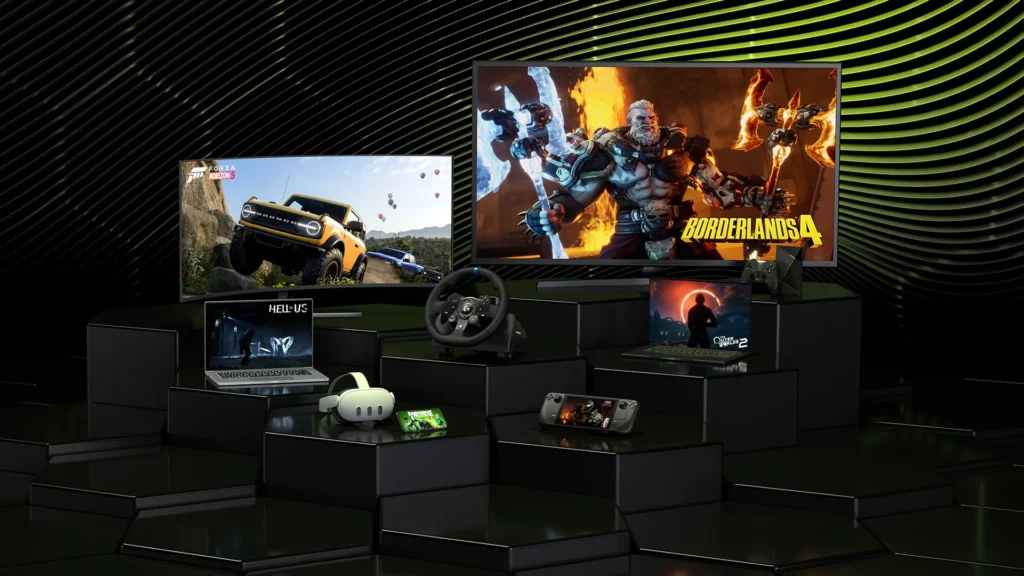
GeForce NOW is different. It streams games from NVIDIA’s cloud servers — you don’t need a gaming PC at all.
How it works: Link your Steam, Epic, or Ubisoft library and play on NVIDIA’s high-end rigs via the cloud.
Pros:
- No gaming PC needed
- Play AAA titles on any phone
- RTX graphics without owning the hardware
Cons:
- Not available in India and many regions (requires VPN)
- Session limits on free tier (1-hour sessions, queue times)
- Needs fast, stable internet (15 Mbps minimum, 40 Mbps for 4K)
- Game availability depends on publisher agreements
Requirements: Android/iOS app, 15+ Mbps internet, supported region or VPN.
Which One Should You Choose?
| Your Situation | Best Option |
|---|---|
| Own a gaming PC + Steam library | Steam Link |
| Own a gaming PC with NVIDIA GPU | Moonlight |
| No gaming PC / travel often | GeForce NOW |
| Live in India / Asia with no VPN | Steam Link or Moonlight |
| Want lowest latency | Moonlight |
Once you’ve picked your streaming app, check out the best mobile single player games to play on your phone.
Final Verdict
- Have a gaming PC? Use Moonlight (if NVIDIA) or Steam Link (if AMD or casual use).
- No PC? Try GeForce NOW — if it’s available in your region.
- In India or restricted regions? Stick to Steam Link or Moonlight for the smoothest, zero-lag experience at home.
Pick the one that matches your hardware, and start gaming on your phone today.